Account Management
How to Delete Partner Account?
As a part of the privacy policy, from the partner Android application users can request to DELETE their account. Follow the step-by-step instructions below.
1
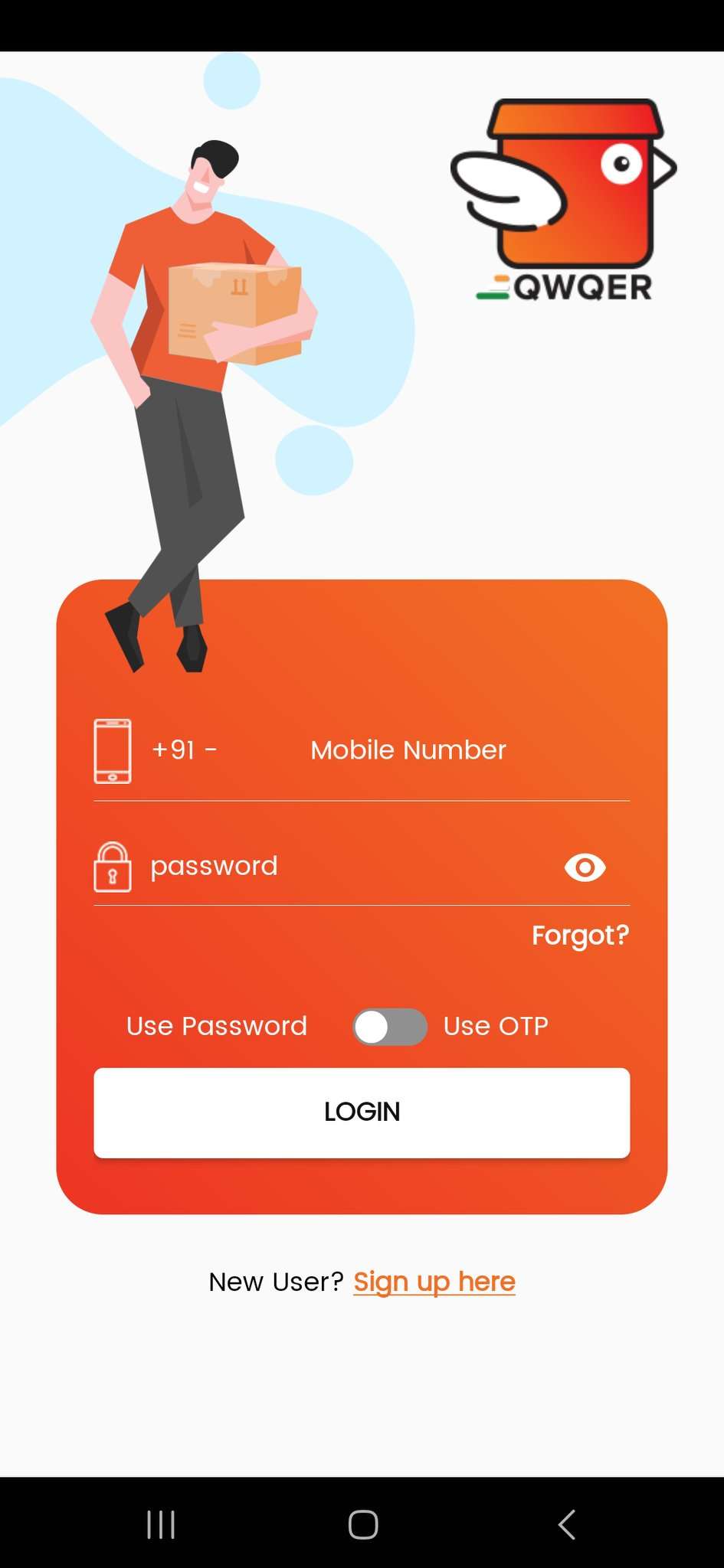
Step 1: Open the App and Login
2
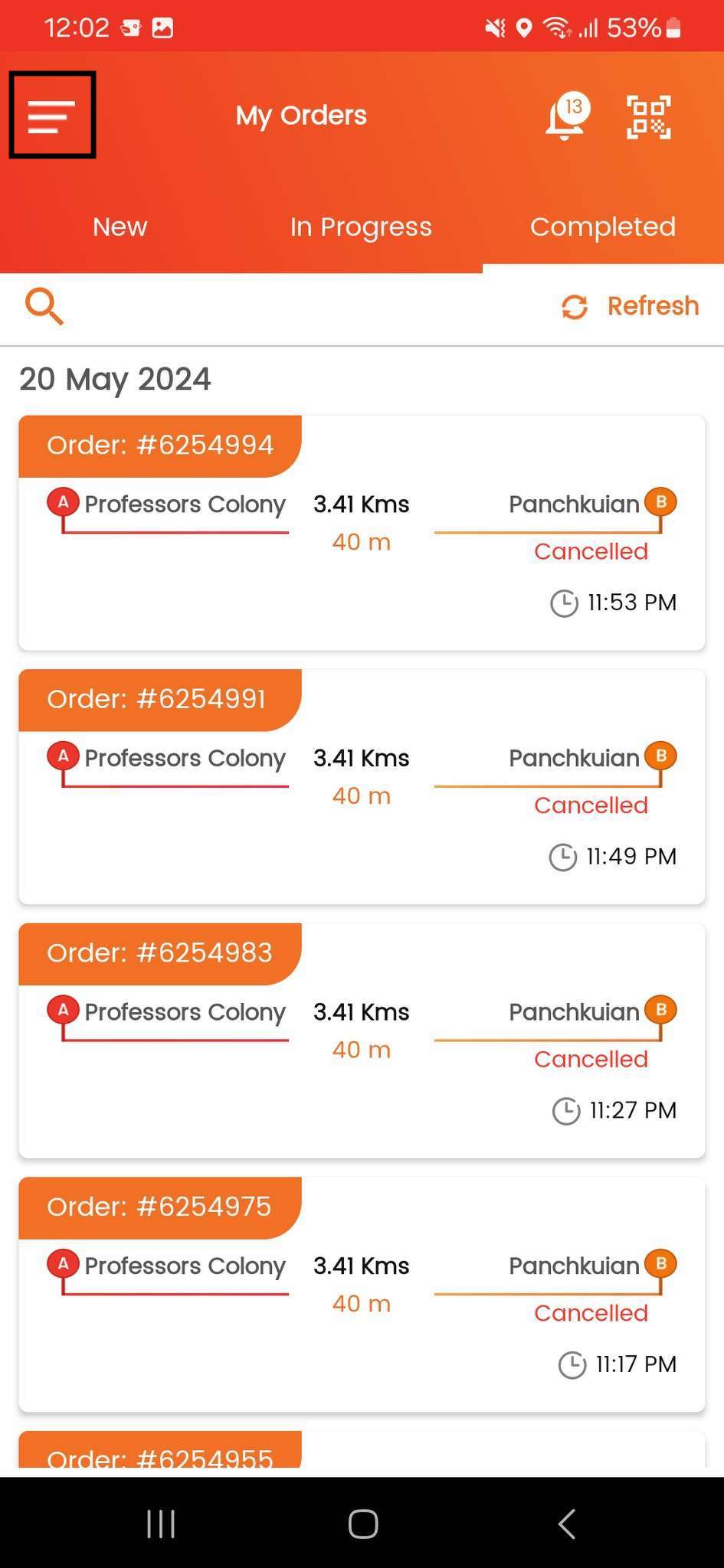
Step 2: Navigate to the Side Menu.
3
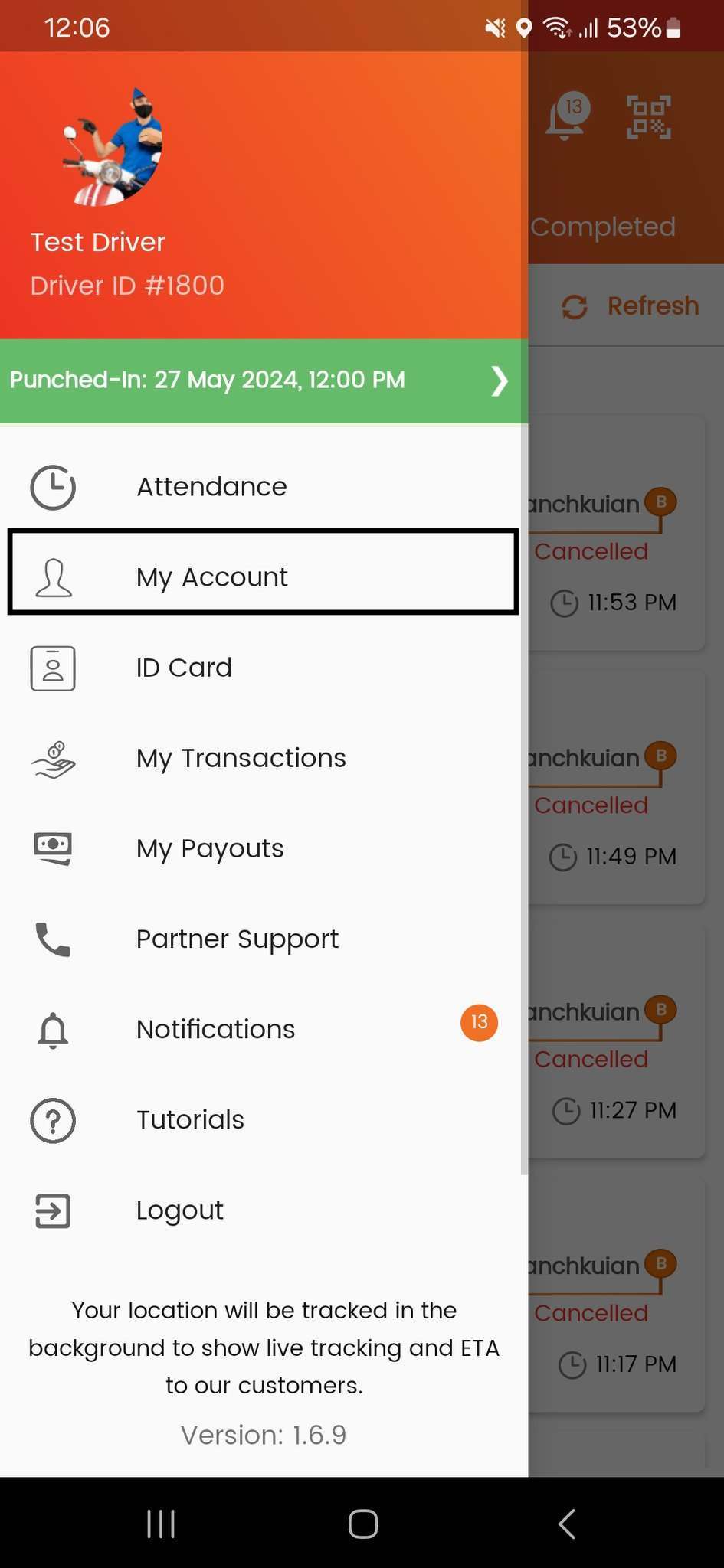
Step 3: Tap the "My Account" option.
4
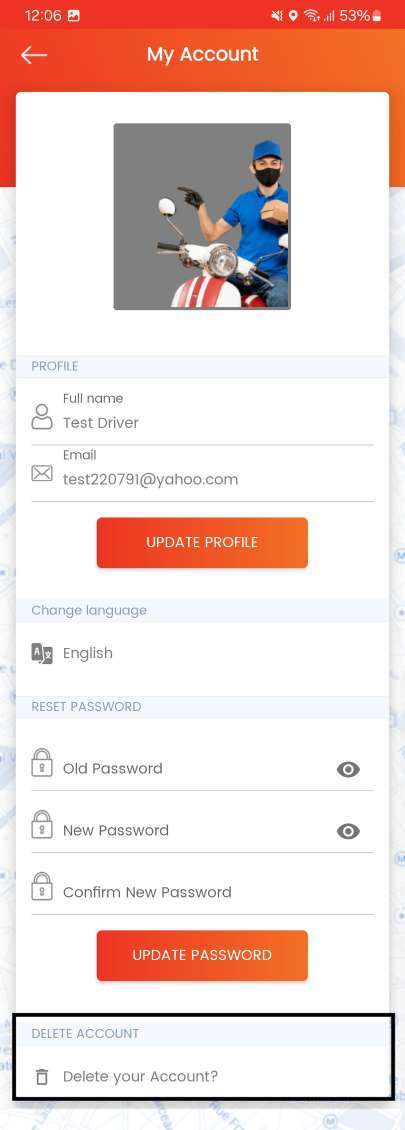
Step 4: Click the "Delete your account" option.
5
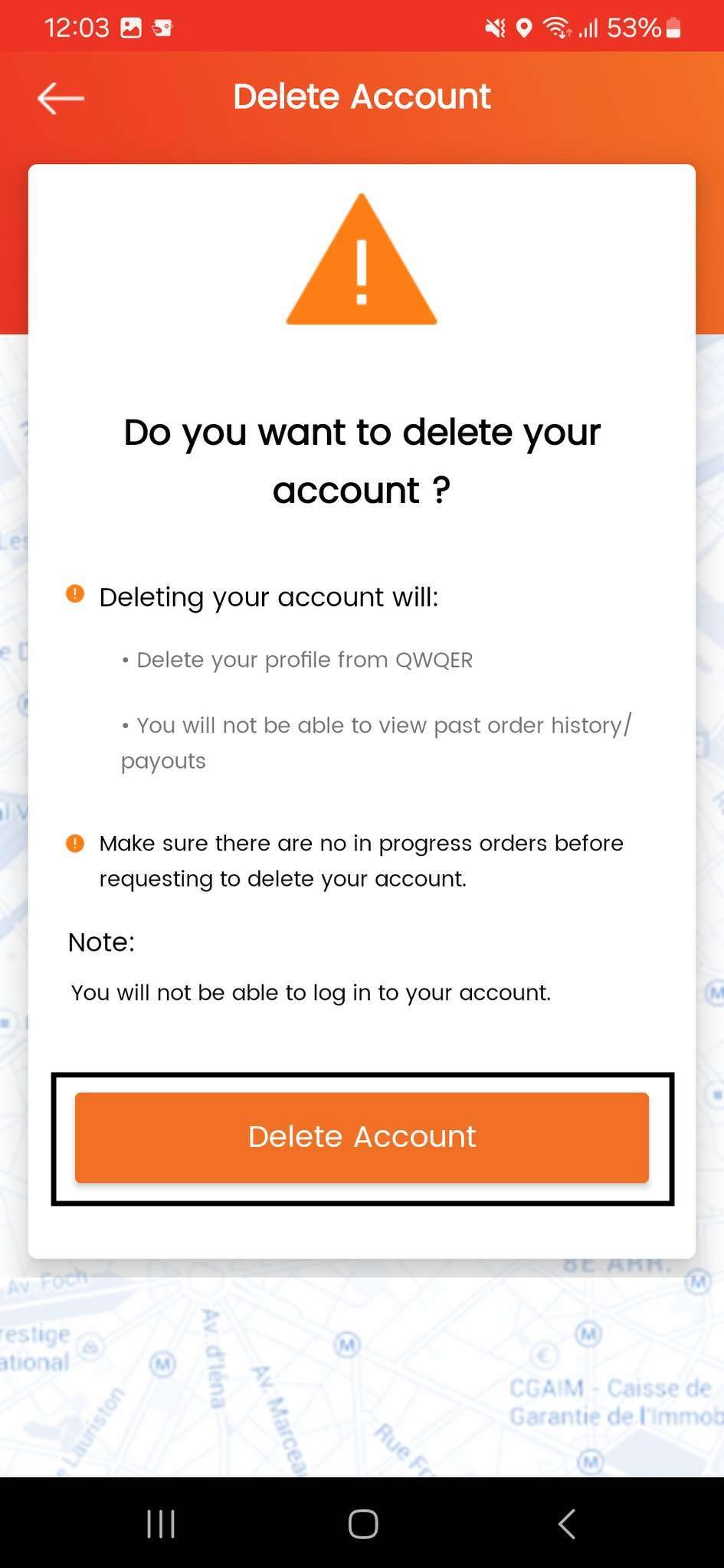
Step 5: Click the "Delete Account".
6
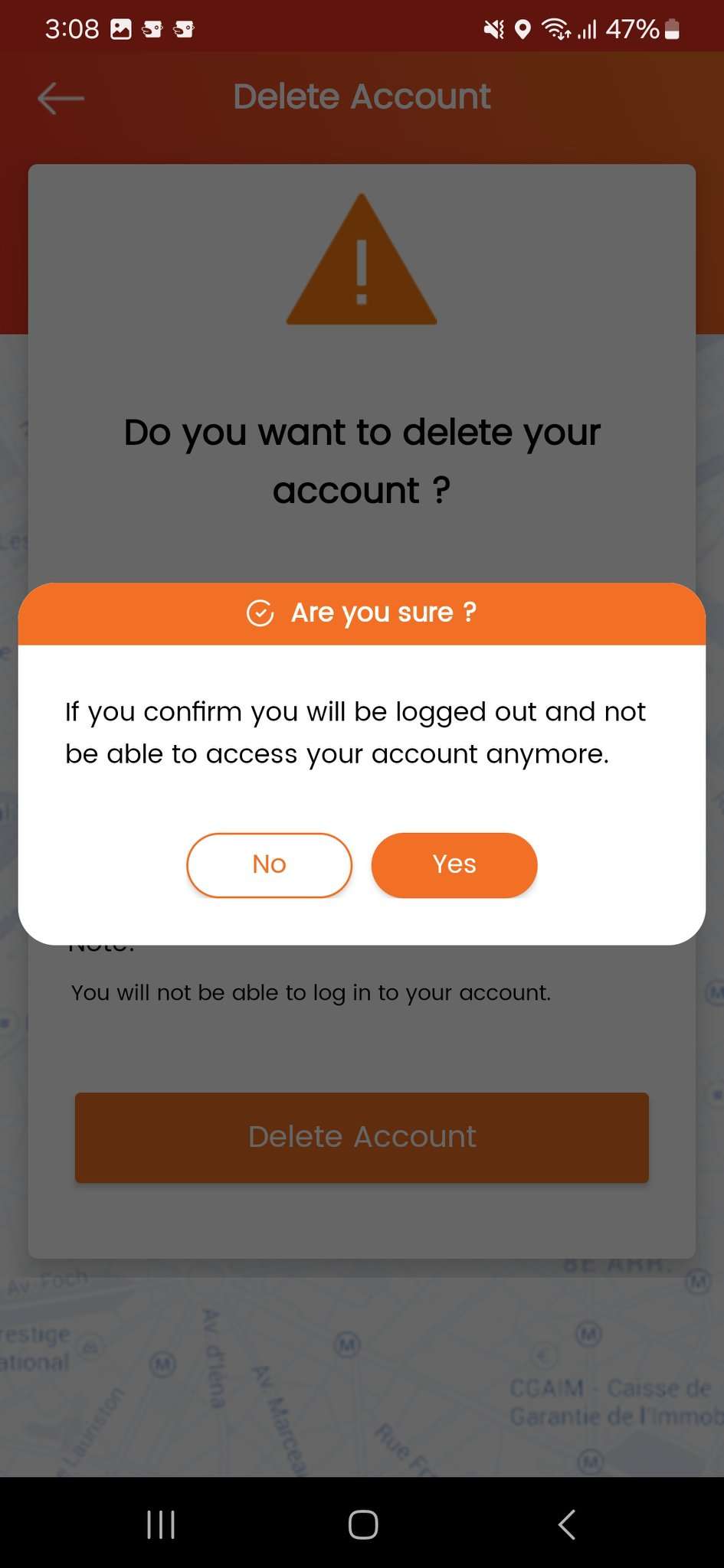
Step 6: Confirm Deletion.
Important Notes
- By confirming the DELETE option, the partner profile will be DEACTIVATED from QWQER platform immediately.
- Only the essential mandatory details, as per the work contract between the partner and QWQER, will remain in the platform for future reference purposes.
- Once the request has proceeded, the partner will logout immediately from the application.
- If a partner wishes to use QWQER services again, he/she can register as a new partner.